
Application Stack
Application Hosting
Deploy static files or a prerendered framework application from GitHub, give it a managed HTTPS address, and operate every release from the RustaBase console.
What RustaBase hosts
| Application type | How it runs |
|---|---|
| Static files | HTML, CSS, JavaScript, and assets are served from a managed web runtime. |
Prerendered framework output | GitHub builds the project, then sends the folder of generated files to RustaBase. |
The delivery workflow
- Choose an application stack, repository, production branch, plan, and available region.
- RustaBase installs a managed GitHub Actions workflow and separate deployment credentials for production and previews.
- GitHub installs dependencies, runs the configured build, and uploads the release.
- RustaBase starts the new copy and checks its health before switching visitors to it.
- Use the application page to inspect traffic, deployments, domains, firewall rules, previews, observability, and settings.
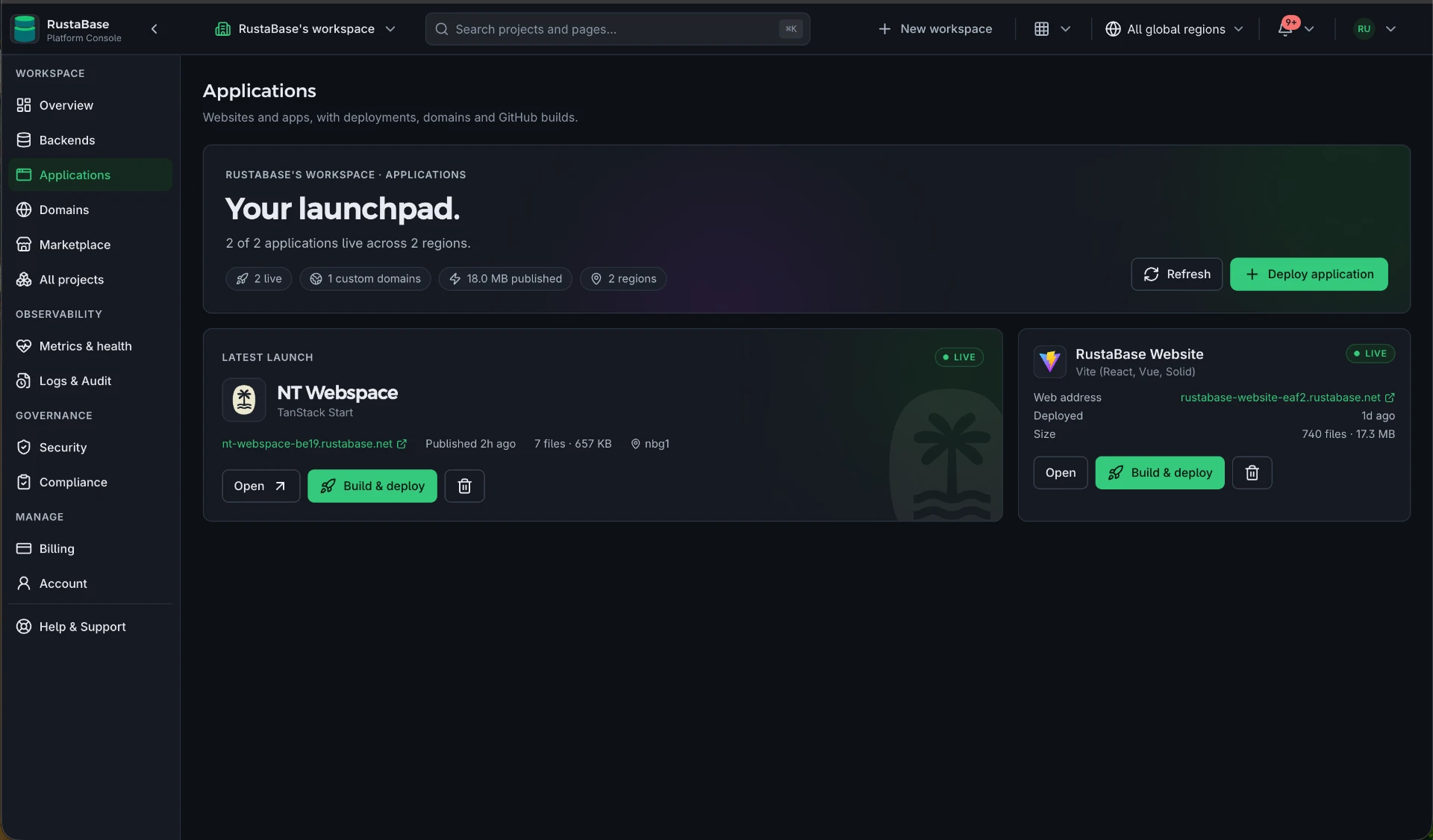
Your source builds in GitHub Actions. RustaBase receives the packaged result and runs it; it does not build your repository on the platform.
Application Hosting and Backend Engine
A hosted application is the web experience your visitors open. A backend Project provides PostgreSQL, authentication, storage, APIs, realtime, and functions. They can be created together or used independently, and the hosted application connects to the Project through its public API address.
Fix it yourself. The link below opens this file in GitHub's editor and forks the repository for you if you need one, and your change becomes a pull request without leaving the browser.